

Blur every face in a street clip
4 faces found in all 180 frames and blurred, in 19 s.
Burned-in captions, on-screen titles, faces that shouldn't be there. Mark them once, check a 2-second preview, and save a clean copy. Everything runs on your computer.
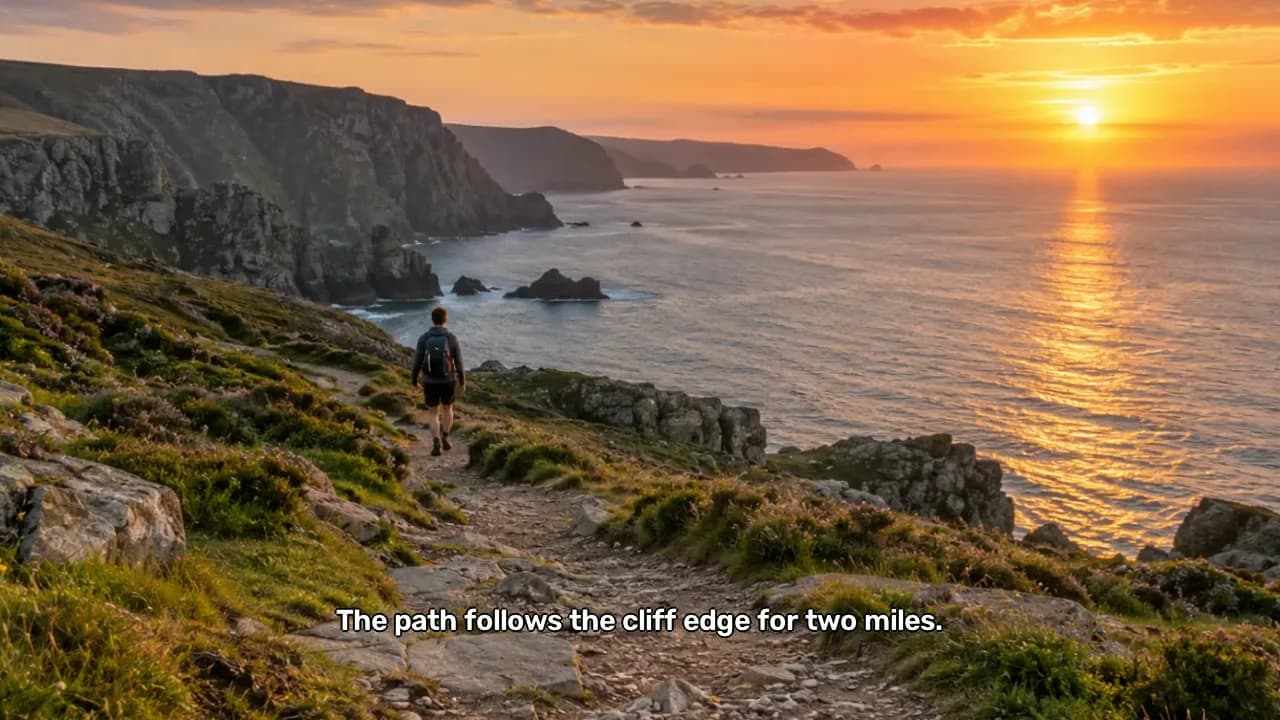
Real output. 8-second clip, 240 frames with burned-in subtitles, erased offline in 46 s on an Apple M5 Pro Mac.Drag to compare
No upload, no account. Works with the Wi-Fi off.
Every result is saved as a new file next to the source.
See the first two seconds before you process the whole clip.
Strip embedded subtitle tracks without re-encoding.
Real results
No retouching. Each example is FrameWipe's own output on a sample clip or photo, with the settings shown.


Drag to compare
Text in photos
Both pieces of text were found automatically. Press Erase and the wood grain behind them is rebuilt from the pixels around it.
4 faces found in all 180 frames and blurred, in 19 s.


Blur, pixelate or a solid block. Adjust padding and preview live.
 Before
 After
AfterBig titles and small captions removed from a 9:16 clip.
How it works
FrameWipe does one job: take things out of the picture. It shows you what it found, and you decide.
Drag it in. FrameWipe finds subtitles, text and faces on its own.
Keep or skip each box, or brush over anything else.
Watch 2 seconds of the result, then process the whole clip into a new file.
Saves a new file. The original stays untouched.
Tools
Each tool has its own guide with steps, limits and answers to common questions.
Burned-in captions erased, or soft subtitle tracks stripped without re-encoding.
Learn more →Titles, labels and on-screen text, cleaned frame by frame.
Learn more →Every face detected and covered, with misses flagged before export.
Learn more →Blur, pixelate or cover faces in a single photo.
Learn more →Captions, stamps and labels erased with AI inpainting.
Learn more →Box it once and FrameWipe follows it through the clip.
Learn more →Privacy
Online removers ask you to upload the very clips you want to keep private. FrameWipe does the work on your own machine, so there is nothing to upload and nothing to delete later.
FAQ
No. All processing happens on your computer. Your files are never sent to a server.
FrameWipe is available to supporters on Patreon, with the Mac and Windows installers in the same post.